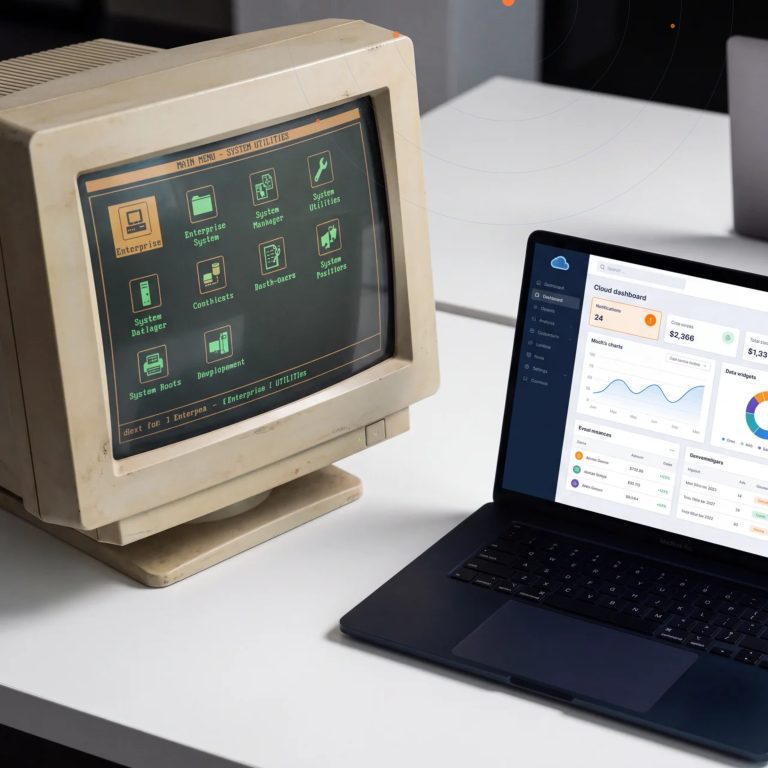

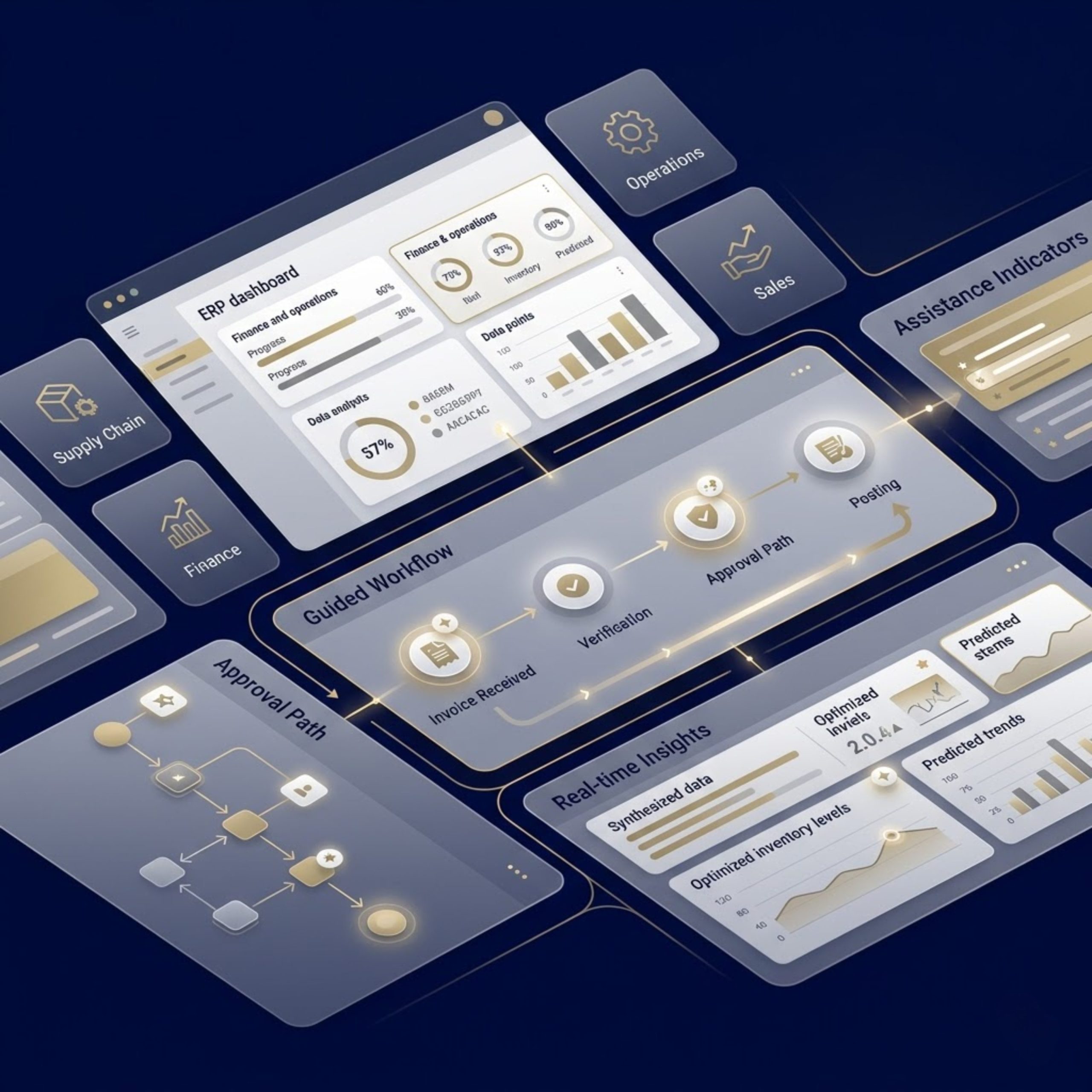
Enterprise resource planning systems are no longer just systems of record. They are becoming systems of guidance.
That shift matters because ERP users deal with growing data volumes, repetitive workflows, delayed decisions, and constant pressure to improve productivity without increasing complexity. Microsoft’s Copilot capabilities across Dynamics 365 are designed to address exactly that challenge by bringing AI into everyday business processes, including finance, operations, and supply chain workflows.
For organizations already investing in Microsoft business applications, Copilot in ERP is not just another feature. It represents a practical step toward faster decisions, lower manual effort, better user adoption, and stronger return on ERP investments. The real opportunity is not simply to “add AI,” but to apply it in the right processes with the right governance and implementation approach.
What Is Copilot in ERP?
Copilot in ERP refers to AI-powered assistance embedded within ERP workflows to help users complete tasks, access insights, summarize data, generate content, and interact with business systems using natural language.
In the Microsoft ecosystem, this typically means Copilot experiences inside Dynamics 365 applications such as Finance, Supply Chain Management, and Business Central. Microsoft describes these capabilities as AI that augments application experiences and functionality, helping users analyze information, automate tasks, and take action more efficiently.
Instead of forcing employees to click through multiple screens, interpret raw records manually, or write repetitive communications from scratch, Copilot can help by:
Summarizing business data
Users can receive concise overviews of records, transactions, and operational situations, reducing time spent searching across screens and tables.
Assisting with natural language interactions
In Business Central, Microsoft describes Copilot as an AI-powered assistant that helps users get answers, work faster, and reduce tedious manual tasks. Newer capabilities also include chat-based interaction for company data and task support.
Automating repetitive work
Copilot can support routine activities such as drafting emails, surfacing next steps, guiding users through tasks, and accelerating common business processes.
Improving decision-making
By surfacing context, highlighting relevant information, and making ERP data easier to interpret, Copilot can help leaders and operational teams respond faster and with more confidence.
Why Copilot Matters in Modern ERP
ERP systems sit at the heart of enterprise operations, but many organizations still struggle with low user productivity, fragmented insights, and process bottlenecks. Traditional ERP implementations often deliver control and visibility, yet users still spend too much time extracting meaning from the system instead of acting on it.
That is where Copilot changes the conversation.
Rather than requiring users to become experts in system navigation, ERP with Copilot lowers the barrier between questions and answers. A finance manager can understand overdue balances faster. A supply chain user can review operational summaries more efficiently. A business user in Business Central can move through tasks with less friction. These are practical productivity gains, not theoretical AI promises.
This is especially relevant for organizations pursuing digital transformation with Microsoft solutions. AI in ERP supports the broader goal of making enterprise systems more usable, more responsive, and more valuable to the people who rely on them daily.
How Copilot Works Across Microsoft ERP Solutions
Microsoft’s ERP landscape includes multiple Dynamics 365 applications, and Copilot capabilities vary by product, use case, and release cycle. That matters because organizations should evaluate AI readiness based on their actual ERP footprint rather than assuming one identical Copilot experience across every system.
Copilot in Dynamics 365 Finance
In finance and operations apps, Microsoft explains that Copilot augments experiences and functionality with AI-based assistance. Finance-related scenarios include summarization and guided support that can reduce manual analysis time and improve workflow efficiency.
For finance teams, the strongest value tends to come from:
- faster interpretation of financial records
- reduced effort in repetitive communications
- quicker access to contextual information
- improved user productivity in high-volume tasks
Copilot in Dynamics 365 Supply Chain Management
Microsoft’s release plans and documentation show ongoing investment in Copilot and AI innovation within Supply Chain Management. These capabilities are aimed at helping organizations unlock value from operational data, streamline workflows, and support better supply chain decisions.
For supply chain and operations teams, likely benefits include:
- easier interpretation of warehouse, procurement, and order data
- quicker visibility into exceptions and priorities
- better responsiveness in fast-moving operational environments
Copilot in Dynamics 365 Business Central
Business Central is especially important for small and mid-sized organizations. Microsoft describes Copilot in Business Central as an AI-powered assistant across lines of business that helps spark creativity, boost productivity, and eliminate tedious tasks.
This makes Business Central Copilot particularly relevant for organizations that want practical AI within finance, sales, purchasing, inventory, and operational workflows without creating a disconnected AI layer outside the ERP itself.
Common Use Cases for Copilot in ERP
The most successful ERP AI strategies start with real business pain points. Copilot should be mapped to specific workflows where time, accuracy, or usability can improve.
Financial analysis and collections support
Finance teams often lose time reviewing aging data, checking payment history, and drafting routine communications. Microsoft specifically highlights collections-related Copilot support in Dynamics 365 Finance, where summaries and AI-generated assistance can help streamline this work.
Record and transaction summaries
ERP users frequently open records with too much detail and too little immediate context. AI summaries help turn dense records into fast, actionable overviews.
Natural language ERP assistance
Instead of navigating through menus or relying on memorized system logic, users can ask questions in more natural ways. Microsoft documents chat-based and prompt-based Copilot experiences in Business Central and across Dynamics 365 Copilot offerings.
Productivity acceleration for business users
Copilot helps reduce friction in repetitive tasks, helping users move faster with less manual effort.
The Business Value of Copilot in ERP
For executives and transformation teams, the question is not whether AI sounds impressive. The question is whether it delivers measurable business value.
In ERP, that value typically appears in four areas.
Higher user productivity
When users spend less time searching, summarizing, drafting, and switching contexts, they can focus more on execution and decision-making.
Faster decision cycles
AI-generated context helps users interpret information more quickly. That matters in finance reviews, collections work, purchasing, inventory management, and other operational decisions where delays create cost.
Improved ERP adoption
One of the hidden challenges in ERP projects is adoption. Users may resist the system if it feels difficult, technical, or slow. Copilot can make ERP more approachable by reducing friction and improving the everyday user experience.
Better ROI from Microsoft Business Applications
Organizations that already use Dynamics 365, Microsoft 365, and Power Platform can gain more value when AI capabilities are aligned across the stack.
Challenges to Address Before Enabling Copilot in ERP
Copilot is powerful, but success depends on readiness. Organizations should avoid treating it as a one-click transformation.
Data quality still matters
AI can improve how users access and interpret ERP information, but it does not eliminate the need for clean master data, consistent processes, and sound system governance. Poor data still produces poor outcomes.
Security and permissions must be planned carefully
Organizations should evaluate how Copilot interacts with roles, permissions, and compliance requirements inside the Microsoft environment. Official product documentation and licensing guidance should be reviewed as part of planning.
Use cases should be prioritized
Not every process needs AI first. The best starting points are workflows with high repetition, information overload, frequent delays, or strong business impact.
Change management is essential
Even useful AI capabilities need adoption support. Teams should understand where Copilot helps, where human review is still required, and how success will be measured.
Best Practices for Implementing Copilot in ERP
A strong Copilot strategy is practical, phased, and business-led.
Start with a high-impact process
Choose a workflow where the business problem is clear, measurable, and important. Finance summaries, collections support, procurement visibility, or Business Central productivity tasks are often good starting points.
Align AI with business outcomes
Do not deploy Copilot just to say the organization is using AI. Tie the initiative to outcomes such as reduced handling time, faster month-end support, better collections efficiency, or improved user productivity.
Review the Microsoft roadmap
Copilot capabilities evolve quickly across release waves. Organizations should check official Dynamics 365 release plans and product documentation to understand what is available now, what is in preview, and what is planned.
Combine ERP expertise with Microsoft platform knowledge
Successful adoption usually requires more than technical enablement. It requires process design, change management, security alignment, user training, and experience in the Microsoft ecosystem.
Consider extensibility with Copilot Studio and Power Platform
For organizations with advanced requirements, Microsoft Copilot Studio and the broader Power Platform can support custom agent and workflow scenarios alongside ERP modernization efforts.
Why the Right Microsoft Partner Matters
Copilot in ERP is not just about turning on a feature. It is about designing the right business scenario, enabling it securely, integrating it into real operations, and helping users adopt it successfully.
That is why choosing the right Microsoft partner matters.
An experienced partner can help organizations:
- identify the best-fit Copilot use cases
- assess Dynamics 365 readiness
- align ERP AI with governance and ROI goals
- implement and configure Microsoft solutions correctly
- support user enablement and long-term optimization
This is especially important for businesses pursuing a complete guide to digital transformation with Microsoft solutions, not just a narrow AI experiment. The strongest focus theme for this topic is the future of enterprise productivity with Microsoft AI and cloud, because Copilot in ERP sits directly at the intersection of productivity, intelligence, cloud business applications, and transformation strategy.
The Future of Enterprise Productivity with Microsoft AI and Cloud
The ERP market is moving toward more intelligent, conversational, and proactive systems. Microsoft’s continuing investment in Copilot, AI agents, and Dynamics 365 innovation shows that ERP is becoming more than a transactional backbone. It is becoming a working partner for employees across finance, operations, and management.
For business leaders, the opportunity is clear: use AI to make ERP faster, easier, and more valuable for the people who depend on it every day.
The organizations that benefit most will not be the ones that deploy AI everywhere at once. They will be the ones that apply it thoughtfully, tie it to measurable business outcomes, and work with a partner who understands both Microsoft technology and operational transformation.
Copilot in ERP is quickly becoming a practical advantage for organizations that want to reduce manual effort, improve productivity, and get more value from Microsoft business applications.
With Dynamics 365 Finance, Supply Chain Management, and Business Central, Microsoft is building AI directly into the flow of work. That means organizations can move beyond static ERP usage toward more intelligent, responsive, and user-friendly operations. The result is not just better technology. It is better execution.
For companies exploring ERP modernization, digital transformation, or AI-enabled productivity, now is the right time to evaluate where Copilot can create real impact.
GlobalITS can help you assess your Microsoft ERP environment, identify high-value Copilot use cases, and implement the right solution for your business. Contact GlobalITS to schedule a consultation, request a demo, or explore how Copilot in ERP can support your transformation roadmap.