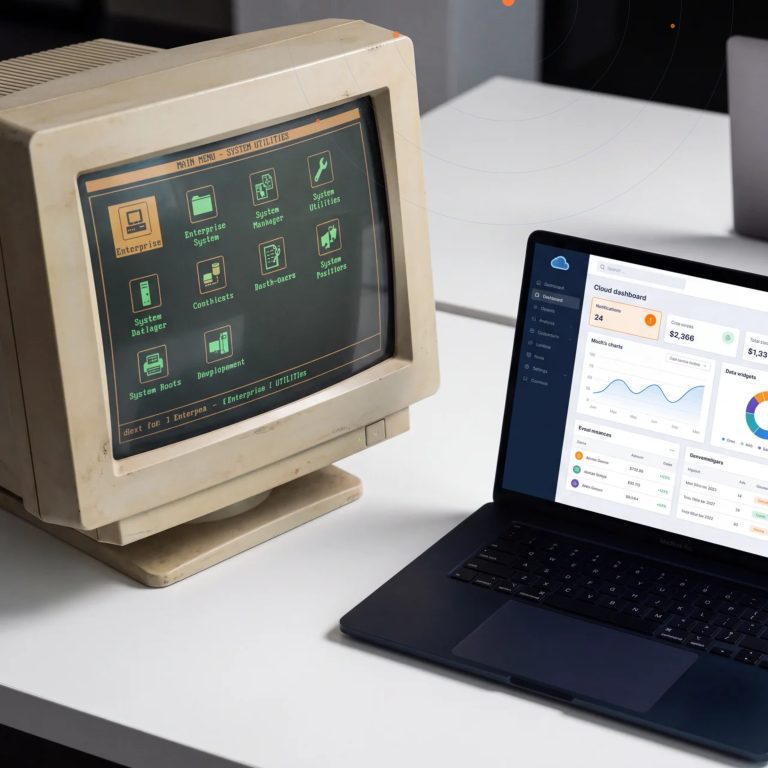


If you searched for “Dynamics 365 CRM,” there’s a good chance you already know the name Dynamics CRM from a previous life — the on-premises product Microsoft sold for over a decade before rebranding it into the cloud-based Dynamics 365 suite. The search term stuck around even after the product changed, and it still causes confusion: is Dynamics 365 CRM one app, four apps, or a whole platform?
The short answer is that Dynamics 365 CRM isn’t a single product anymore. It’s Microsoft’s umbrella term for a set of connected applications — Sales, Customer Service, Field Service, and Customer Insights — built on the same data model, the same Power Platform foundation, and increasingly, the same Copilot AI layer. Whether a business needs one of those apps or all four depends entirely on what “managing customer relationships” means for that specific team.
This guide breaks down what’s actually inside Dynamics 365 CRM today, how it stacks up against competitors like Salesforce, what changed in the most recent release wave, and what the numbers say about return on investment — so you can figure out whether it’s the right fit before a single license gets purchased.
What Dynamics 365 CRM Actually Includes
“Dynamics 365 CRM” is shorthand for what Microsoft officially calls Dynamics 365 Customer Engagement — a group of purpose-built apps rather than one monolithic system. Each app can be licensed and deployed on its own, but they share a common data platform (Microsoft Dataverse), which means a contact record created in Sales is the same contact record Customer Service or Field Service sees, with no manual syncing required.
Dynamics 365 Sales
This is the app most people mean when they say “Dynamics CRM.” It covers the full sales cycle — leads, opportunities, quotes, orders — with a Sales Accelerator that prioritizes which deals to work next, relationship analytics that flag at-risk accounts, and Copilot-generated deal summaries and follow-up drafts pulled directly from email and meeting activity. In the 2026 Gartner Magic Quadrant for CRM Sales Platforms, Microsoft was named a Leader for the sixteenth consecutive year, with Gartner specifically crediting the platform’s AI-driven research and workflow automation for improved pipeline visibility.
Dynamics 365 Customer Service
Handles case management, omnichannel support (email, chat, voice, and social in one queue), and knowledge management. The 2026 release wave leaned heavily into agentic case handling — automatically detecting customer intent, routing cases, and evaluating response quality without an agent manually triaging every ticket first.
Dynamics 365 Field Service
Built for organizations that send technicians on-site — utilities, equipment maintenance, facilities management. It combines resource scheduling (including an AI-driven Scheduling Operations Agent), work order management, and mobile tools technicians use in the field, often with limited connectivity.
Dynamics 365 Customer Insights
Formerly two separate products (Customer Insights and Marketing), now unified into Customer Insights – Data and Customer Insights – Journeys. This is the layer that builds a single, real-time customer profile from every touchpoint and uses it to orchestrate personalized campaigns and journeys across sales, marketing, and service.
Dynamics CRM vs. Dynamics 365 CRM: Same Lineage, Different Product
The naming confusion is understandable. Microsoft Dynamics CRM launched in 2003 as an on-premises application, went through versions 3.0 through 2016, and was rebranded to Dynamics 365 in late 2016 as Microsoft moved the entire product line to a cloud-first, subscription model built on Dataverse. Functionally, “Dynamics CRM” and “Dynamics 365 CRM” today refer to the same underlying platform — the older name is just a holdover from before the rebrand, and it’s why both terms still show up constantly in search.
The practical difference that matters for a modern buyer isn’t the name, it’s the architecture: Dynamics 365 CRM is no longer a single application version you install and patch. It’s a continuously updated cloud platform where Sales, Customer Service, Field Service, and Customer Insights are modular apps sharing one data core, with two scheduled release waves a year adding new capability without a disruptive version upgrade.
What’s New in Dynamics 365 CRM Right Now
The 2026 release wave 1 is the clearest signal of where Microsoft is taking this platform: almost every update centers on agentic AI doing work autonomously rather than just surfacing insights for a human to act on.
In Sales, that means AI-powered pipeline building, opportunity enrichment, and proactive seller alerts generated from Microsoft 365 Copilot working across CRM data, Outlook, and Teams — not a separate insights dashboard a rep has to remember to check. In Customer Service, agentic features now handle case triage, intent detection, and quality evaluation as part of the workflow itself. In Field Service, the Scheduling Operations Agent handles resourcing decisions that used to require a dispatcher manually balancing technician availability against job priority. And Customer Insights – Data now functions as the “grounding layer” feeding real-time, unified customer profiles into every one of those AI agents.
Real customer feedback backs up the shift in emphasis. An Executive Director at EY summarized the goal plainly: sellers want more control and less manual work, ideally without ever opening the CRM interface at all — the AI agents are meant to bring the CRM to the seller’s existing workflow instead of the other way around.
The Business Case: What the ROI Data Actually Shows
Adopting a CRM platform is a real investment, so the return matters. A Forrester Total Economic Impact study commissioned by Microsoft on Dynamics 365 Sales, based on interviews with existing customers, found a composite organization achieved a 215% return on investment over three years, with payback in just seven months. The same study measured a 15% increase in seller efficiency specifically from improved collaboration between team members inside the platform — a detail worth noting because it points to the CRM’s role as a shared workspace, not just a system of record.
Those figures track with what shows up qualitatively across customer accounts: the value isn’t just “we can see our pipeline now.” It’s fewer manual handoffs between marketing, sales, and service, less time spent re-entering the same customer data into three different tools, and faster onboarding for new reps because the system itself recommends next steps instead of relying entirely on tribal knowledge.
Licensing: What Dynamics 365 CRM Actually Costs
Pricing is usually the first real objection that comes up once the feature list looks appealing, and Dynamics 365 Sales licensing is tiered in a way that’s worth understanding before it derails a budget conversation. According to Encore Business Solutions’ current licensing breakdown, Professional runs around $65 per user per month and covers the core CRM basics — leads, opportunities, accounts, contacts, quotes, and orders — with limited customization, which fits small to mid-size teams running a fairly standard, short sales cycle.
Enterprise, at roughly $105 per user per month, is where most growing organizations actually land. It adds full customization and automation capability, custom apps, territory management, and — critically, given everything above — Copilot for Dynamics 365 Sales, Outlook, and Teams, plus conversation analytics and coaching. Premium, around $150 per user per month, layers on the more advanced AI: competitive and relationship analytics, pipeline intelligence, and behavior-based forecasting, aimed at organizations running complex, relationship-driven sales cycles where every incremental signal matters.
The other apps (Customer Service, Field Service, Customer Insights) follow a similar per-app, per-user tiering, and Microsoft also offers bundled pricing when an organization licenses multiple Dynamics 365 apps together — which is common, since Sales and Customer Service in particular are frequently deployed side by side. Getting the edition selection right matters: over-licensing wastes budget on AI features a team isn’t ready to operationalize, while under-licensing means hitting customization walls six months into rollout.
Who Should Actually Use Dynamics 365 CRM
Dynamics 365 CRM tends to be the strongest fit for organizations already running on Microsoft 365, Teams, and the wider Microsoft stack — the deeper the existing investment in that ecosystem, the more the Copilot and Power Platform integrations pay off, since reps and agents can act on CRM data without switching applications. It also scales unusually well from mid-market to large enterprise, because each app (Sales, Customer Service, Field Service, Customer Insights) can be licensed independently and added as the business grows, rather than forcing a company to buy a full enterprise suite on day one.
It’s a less natural fit for organizations with no existing Microsoft investment and a strong preference for a single best-of-breed sales tool with minimal integration overhead — though even there, the AppSource marketplace and Power Platform’s low-code connectors narrow that gap considerably.
Getting Started the Right Way
The apps inside Dynamics 365 CRM are genuinely powerful, but the platform is also flexible enough that two companies in the same industry can configure it completely differently — which is exactly where a lot of implementations go sideways. Getting the data model, security roles, and automation right from the start matters more with Dynamics 365 than with a simpler point solution, because so much of the platform’s value depends on Sales, Service, Field Service, and Customer Insights actually sharing clean, well-structured data rather than four apps loosely bolted together.
That’s the gap a specialized implementation partner closes: mapping the specific sales, service, or field operations process onto the platform’s data model before go-live, rather than after.
Global ITS works with organizations across Bahrain and the wider GCC to plan, configure, and roll out Dynamics 365 CRM in a way that fits how the business actually operates — not a generic template. Contact our team to talk through where Dynamics 365 CRM would fit in your customer engagement strategy, or request a live demo to see the Sales, Customer Service, and Field Service apps in action before you commit to anything.